Personal PinePhone Project
Personal PinePhone Project
An exploration of open source alternatives to IOS and Android
What this project is:
Searching for the perfect open source device, we examine the Pine Phone Beta device.
A way to listen to make calls, listen to music, check maps, look at your messages, enjoy content without the data collection of Facebook, Apple, Nvidia, Google or any of the other Humanistic corporations.
Keep your Android or iPhone in a Faraday bag until it needed for authentication tokens or to order an Uber.
A way to keep certain folks that have come to power in recent years can use your cell phones to geolocate you, unethically and unlawfully when without a warrant, while you are asleep.
Pinephone64
This device seems to tick all the checkmarks and then some. However there are some rough edges to contend with.
Step one: Find a useful OS. There are a lot of problems with the OEM Manjaro install, unfortunately. Here is my favorite: https://github.com/dreemurrs-embedded/Pine64-Arch/releases Danctnix Arch with Phosh installed.
Here is how to get Jump drive working. You need an SD card, doesnt need to be big.
Grab the image here:
use this command to image the SD card:
xzcat pine64-pinephone.img.xz | sudo dd of=/dev/sdx bs=1M status=progress conv=fsync

xzcat archlinux-pinephone-phosh-20260630.img.xz | sudo dd of=/dev/sdj bs=1M status=progress conv=fsync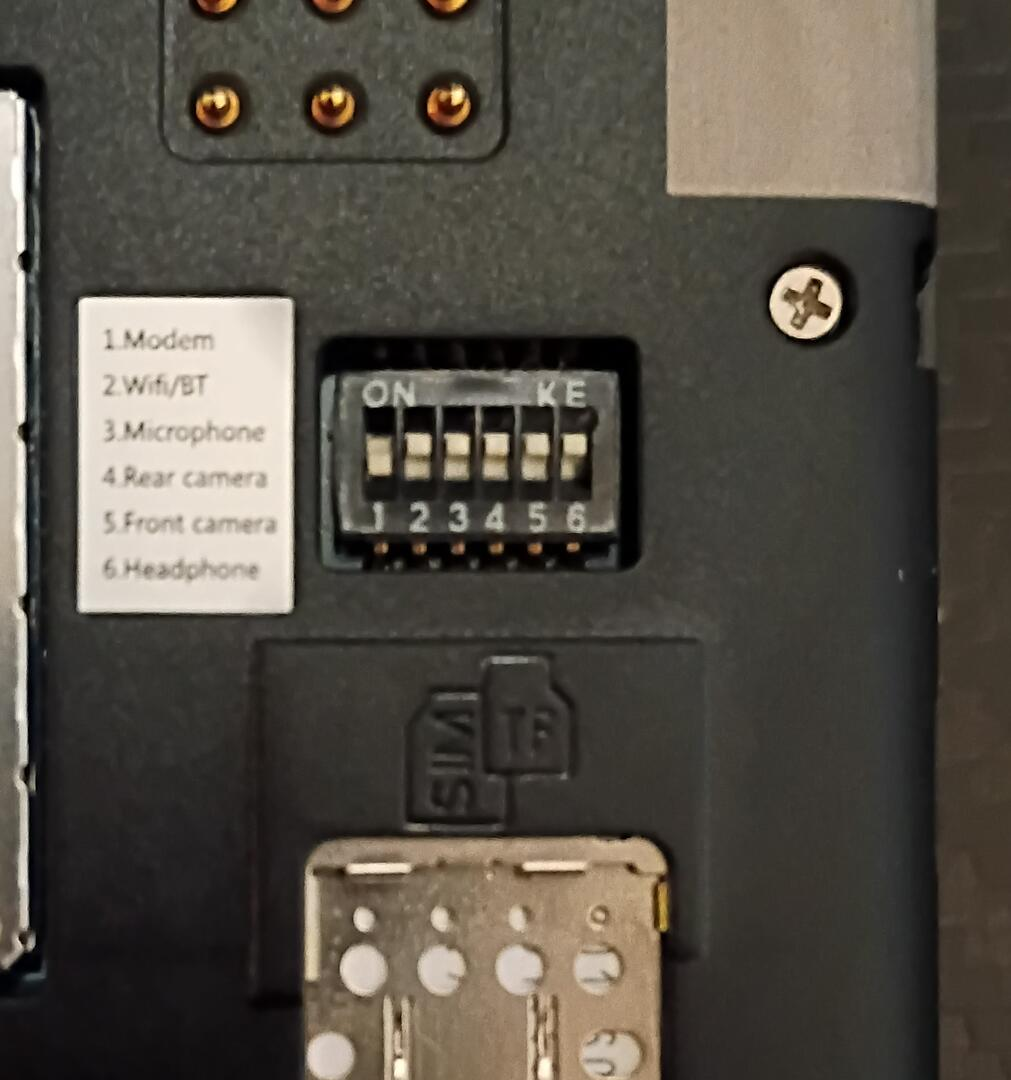
After a bit of tinkering, I had some issues with broken packages, but this cool trick seemed to help.... after waiting all night for the commands to complete while charging.
pacman -Qq | while read -r package; do pacman -S "$package" --overwrite "*" --noconfirm; doneThis searches for issues and fixes them automatically, but it can take a while.
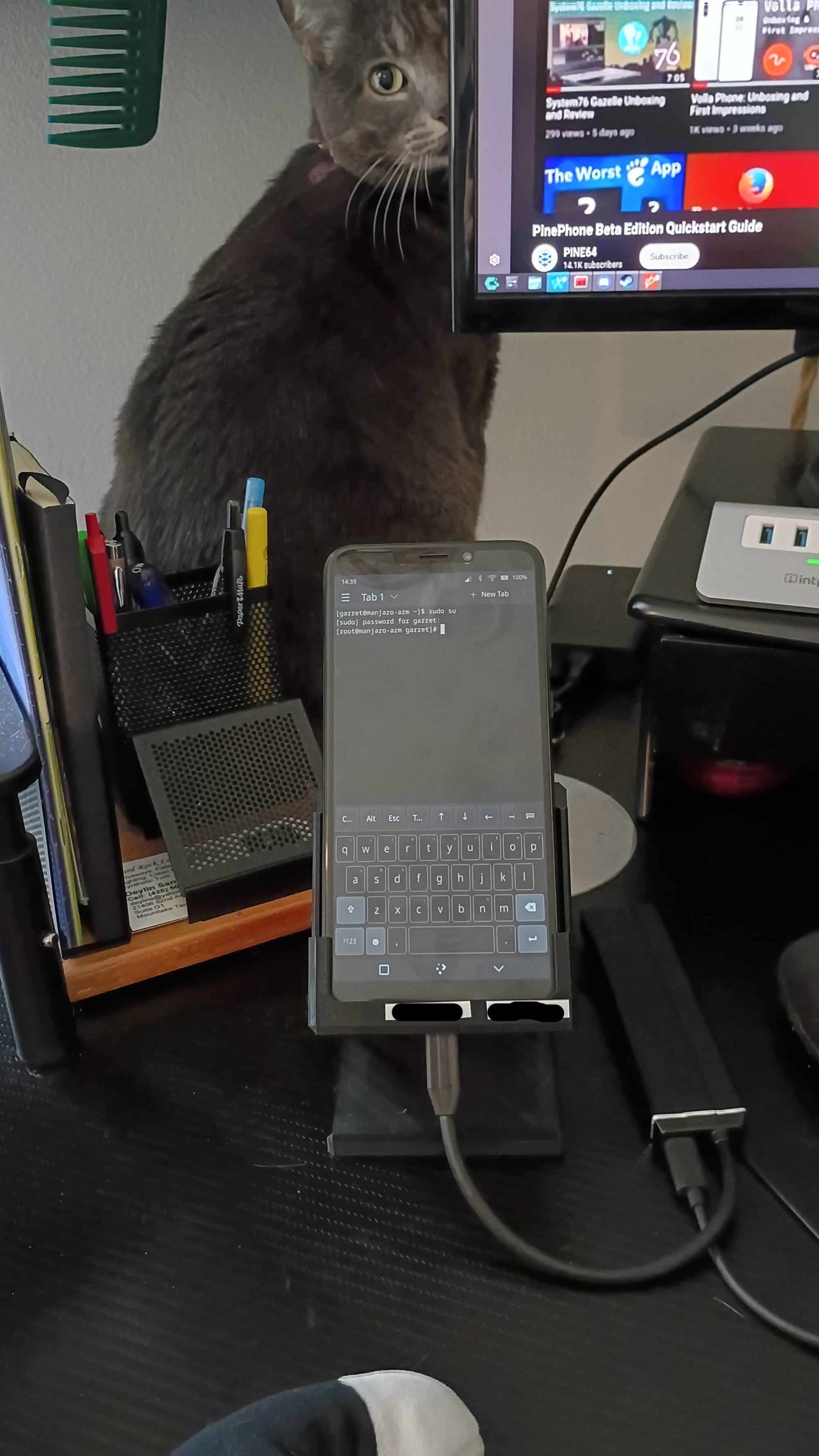
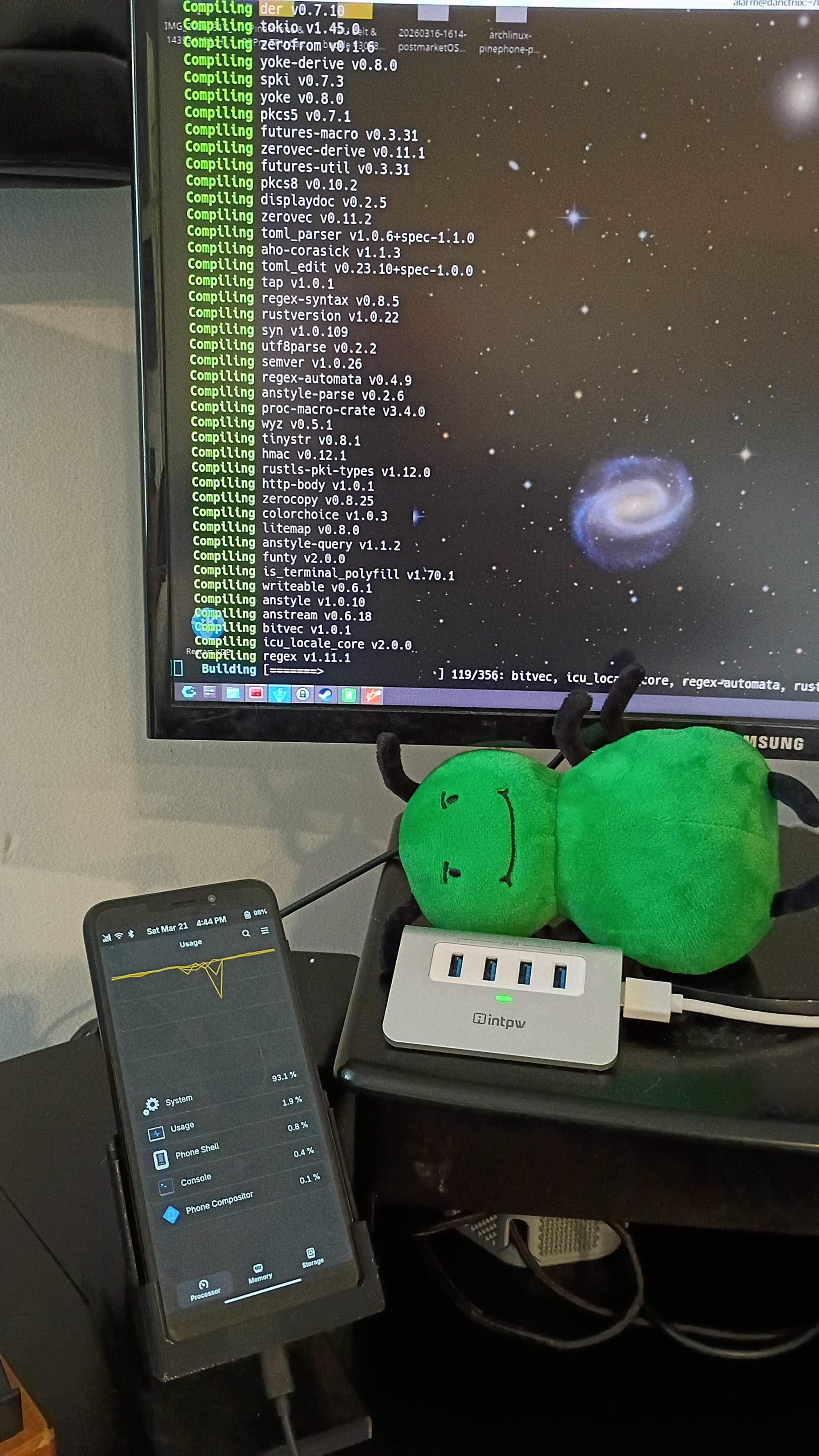
Hello world Root! Compiling rust code in arch.
Operating systems


Wifi hotspot not working...needs enabling
pacman -Syu btop ufw docker docker-compose
sysctl -w net.ipv4.ip_forward=1
iptables -t nat -A POSTROUTING -s 192.168.1.0/24 -j MASQUERADE
ufw allow 53/tcp
ufw allow 67/udp
ufw allow 53/udp
ufw allow 22/tcp
ufw allow 123/udp
ufw allow 443/tcp
DEFAULT_FORWARD_POLICY="ACCEPT"
https://f-droid.org/F-Droid.apk
Information Security Research
- Scan with onboard sensors and radios
- Log data into CSV type data sets for analysis
- Use GPS to localize datapionts
- Run data for analysis
Defunct Hardware project 🪦
This video was the nail in the coffin for this effort.
Early Development
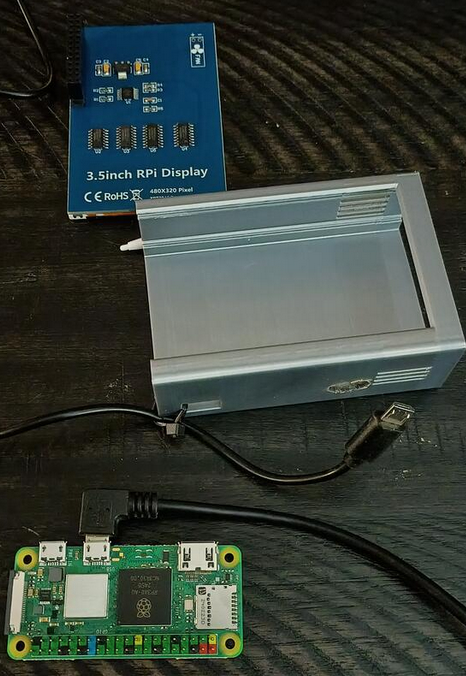
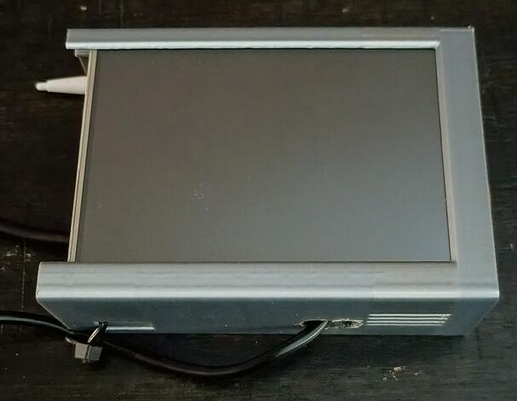
A small temporary case has been constructed to protect the delicate R-Pi and LCD touch screen during early prototyping.